Scientific execution environment and workspaces: turn ideas into runnable experiments
An analysis plan becomes useful when its code runs: can the data be loaded, can the method be reproduced, and do the plotted numbers come from actual calculations? The scientific sandbox gives the Agent a place to write, debug, and run Python, R, and Shell, leaving results you can inspect.
Start with a concrete request: “Read this CSV, check missing values, compare the two groups, and plot the result.” The Agent saves code in a workspace, executes it, and uses errors to guide revisions. The delivery can include scripts, tables, and images alongside an explanation.
Give code a defined boundary
Linux uses Bubblewrap; macOS uses Seatbelt. They restrict access according to platform capabilities and the configured isolation and network policies. Sandboxing does not establish correctness or provide unlimited compute. It gives execution a boundary that the system can manage.
Network access and software installation are managed separately. Configure access when external data is needed; running a local analysis does not require opening every network destination.
Managed environments, persistent research files
The system manages Python and R dependencies. The Agent selects a managed environment and uses environment tools to add packages. Execution records the environment revision used, helping explain differences between runs. A revision record is not a historical environment copy that can always be launched again.
The workspace holds research files; the environment supplies software. Main and child Agents use separate workspaces and explicitly hand files over when collaborating. Research steps can progress without repeatedly copying entire programs or datasets into chat.
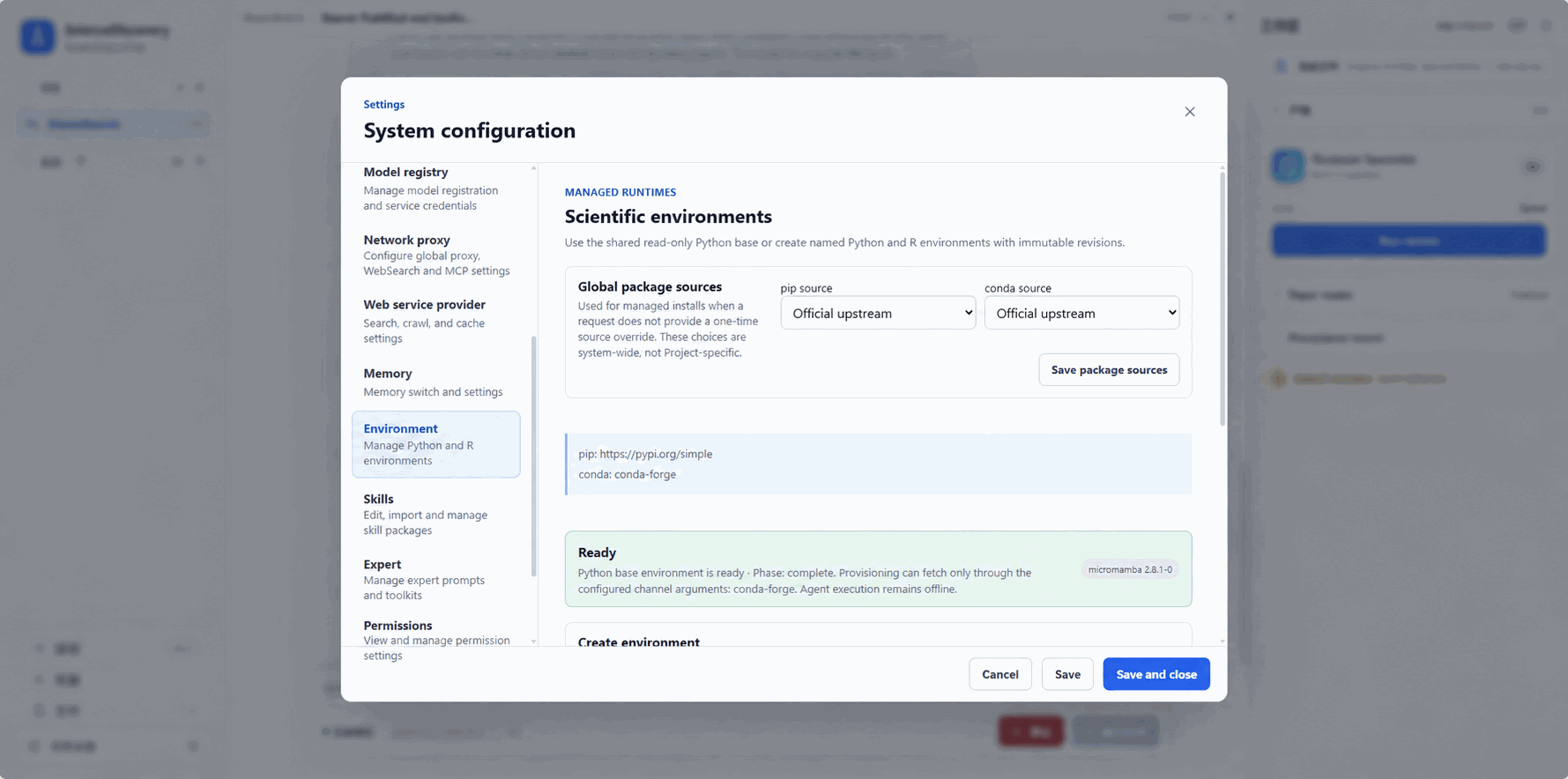
From execution to inspection
Each execution has status, logs, and file records. Long commands can continue in the background. “Still running” is not failure and does not require resubmitting the command. If status is unknown, check the original execution before starting another copy.
Once files are registered as scientific artifacts, you can preview, download, and inspect their versions. Delivering code, result tables, and a report together makes review easier. Files on a remote Runner require explicit handoff; copying a file does not register an artifact automatically.
Start with a small analysis
The sandbox supports cleaning data, statistical analysis, plotting, and method validation. Running a small sample first helps reveal path, dependency, and format problems before expanding the computation.
- Data-analysis tutorial: from a real CSV to analysis and delivery.
- Execution and workspace reference: background tasks, transfers, environments, and stopping.
- Sandbox implementation: isolation, networking, and execution.